
If you value privacy, reliability, and less interference, a non-Wi-Fi baby monitor can be the smarter choice. These monitors use dedicated radio frequencies or digital signals, providing a secure and stable connection without hacking risks or Wi-Fi issues. They often have longer battery life and are simple to set up, making them ideal for peace of mind. Stay tuned to find out more about why “old school” options might be the best fit for your family.

Get baby and family essentials delivered free — and shop member deals
- Fast, free delivery on millions of items
- Access to Prime Big Deal Days deals on October 6–7
- Prime Video, Amazon Music and more included
Key Takeaways
- Non-Wi-Fi monitors offer secure, interference-free connections ideal for environments with many electronic devices.
- They provide longer battery life and reliable performance without dependence on Wi-Fi networks.
- Enhanced security features protect privacy better than internet-connected options vulnerable to hacking.
- Easy setup and stable signals make them a practical choice for users prioritizing simplicity and dependability.
- They reduce lag and interference, ensuring consistent audio/video monitoring without internet-related issues.
As an affiliate, we earn on qualifying purchases.
Why Are Non-Wi-Fi Baby Monitors a Smarter Choice for Parents?
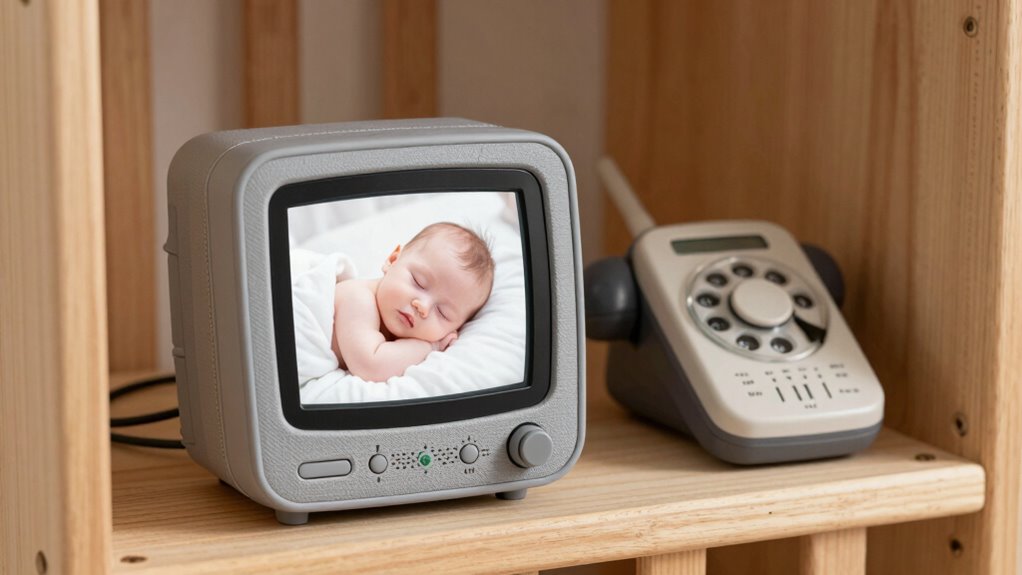
While Wi-Fi baby monitors offer convenience, non-Wi-Fi monitors are often a smarter choice for parents because they provide a more secure and reliable connection. Wireless concerns, like interference from other devices or network issues, can disrupt your monitoring and cause unnecessary worry. Non-Wi-Fi monitors eliminate these risks by using dedicated channels, ensuring a stable link to your baby. Additionally, battery longevity is usually better with non-Wi-Fi models because they don’t constantly drain power trying to stay connected to Wi-Fi networks. This means you’ll enjoy longer periods of monitoring without frequent recharging. Moreover, non-Wi-Fi options often incorporate advanced security features that protect your privacy better than some Wi-Fi devices. These dedicated channels also minimize interference from other wireless devices, further enhancing the stability of your connection. The absence of reliance on internet connectivity also means you are less vulnerable to cybersecurity threats, providing an extra layer of safety. Overall, non-Wi-Fi monitors give you peace of mind with consistent performance and fewer technical worries, making them a practical choice for vigilant parents.
digital baby monitor with long battery life
As an affiliate, we earn on qualifying purchases.
As an affiliate, we earn on qualifying purchases.
How Do Non-Wi-Fi Baby Monitors Work? Key Features and Technology
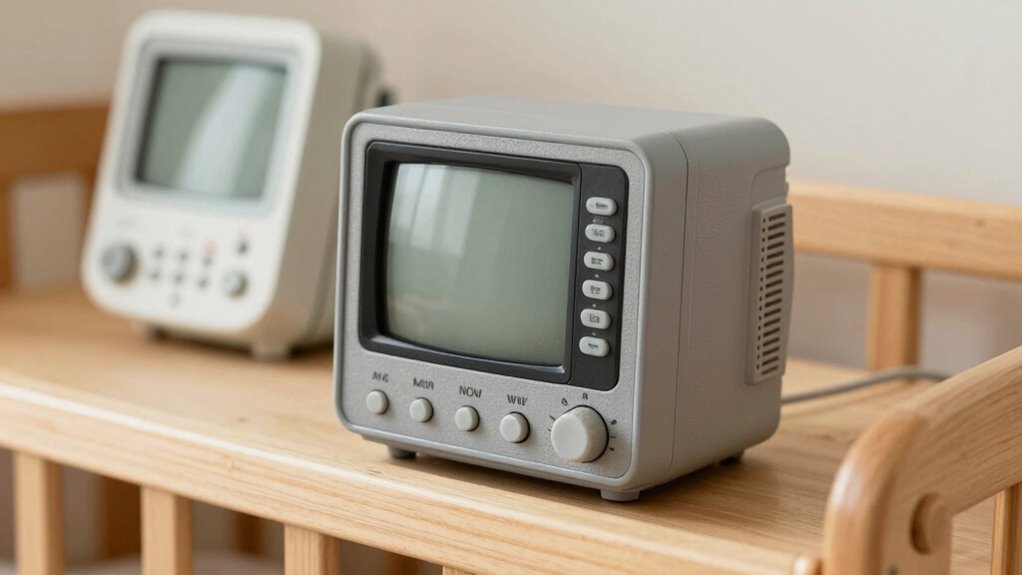
Non-Wi-Fi baby monitors operate using dedicated radio frequencies or digital signals rather than relying on Wi-Fi networks. This direct connection minimizes wireless interference from other devices, ensuring a clear audio or video feed. These monitors typically use analog or digital transmission methods, which can be more reliable in busy environments. Key features include long-range connectivity and simple setup, making them user-friendly. Battery longevity is also a major advantage; since they don’t depend on Wi-Fi, they often consume less power, allowing for extended use without frequent recharging. This makes them ideal for parents who want consistent monitoring without the worry of signal drops or short battery life. Overall, their technology offers a straightforward, dependable solution for keeping an eye on your little one.
secure radio frequency baby monitor
As an affiliate, we earn on qualifying purchases.
As an affiliate, we earn on qualifying purchases.
Non-Wi-Fi vs. Wi-Fi Baby Monitors: Which One Fits Your Family?
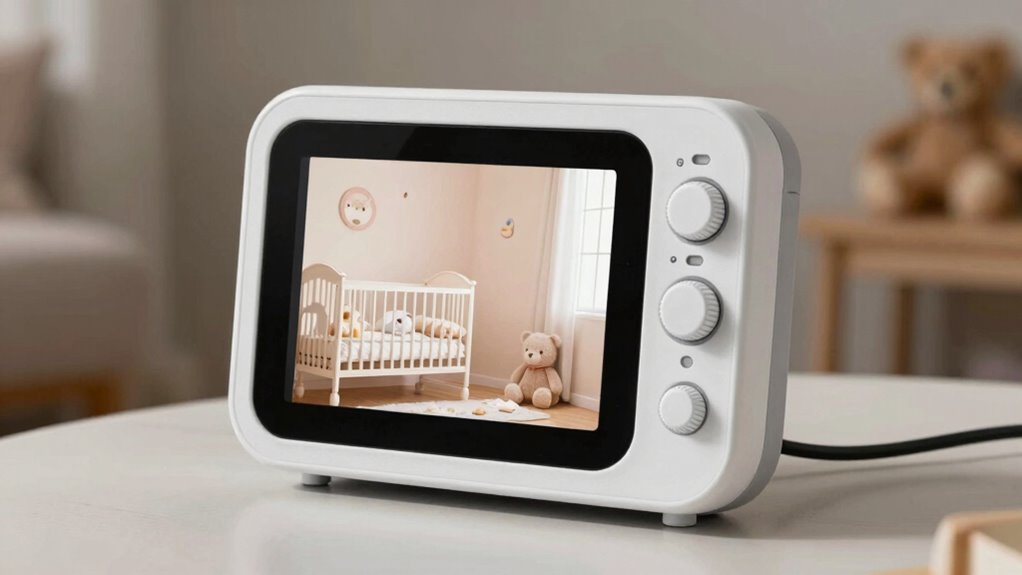
Choosing between non-Wi-Fi and Wi-Fi baby monitors depends on your priorities for reliability, convenience, and connectivity. If you value a stable connection that minimizes disruptions, a non-Wi-Fi monitor might suit your needs, helping create a calm sleep environment and blending seamlessly with nursery decor. Conversely, Wi-Fi monitors offer remote access, allowing you to check on your baby from anywhere, but they can be vulnerable to connectivity issues. Additionally, some models incorporate electric power generation features, providing a backup power source in case of outages. For those concerned about potential interference issues, non-Wi-Fi monitors can offer a more consistent connection.
As an affiliate, we earn on qualifying purchases.
How to Set Up and Use Your Non-Wi-Fi Baby Monitor
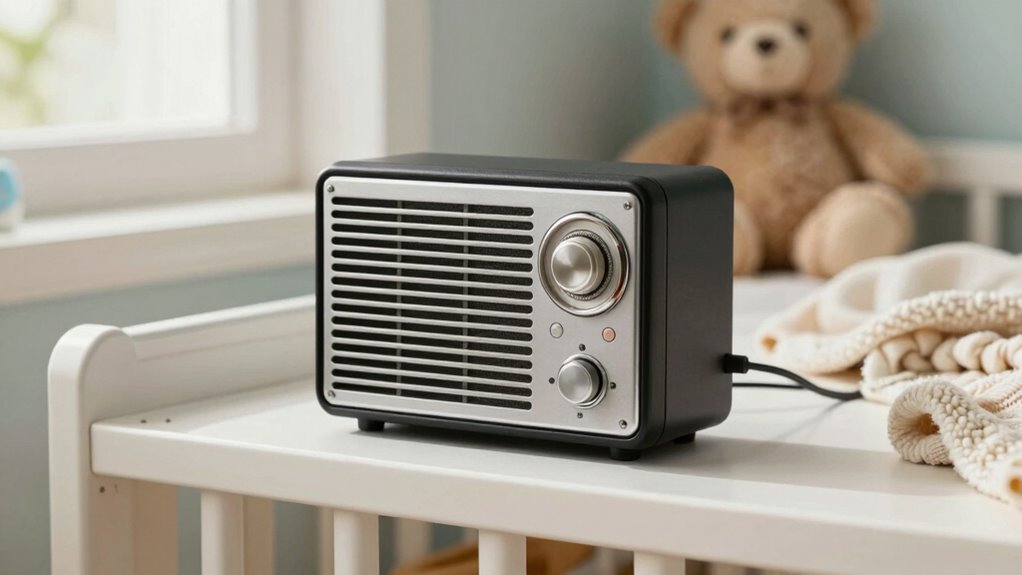
To get your non-Wi-Fi baby monitor up and running, start by securely connecting your devices to prevent unauthorized access. Make sure your monitoring setup is positioned correctly for clear audio and video, and test the connection before placing it in your baby’s room. With these tips, you’ll guarantee a safe and reliable monitoring experience. Additionally, considering sound healing science principles, choosing a monitor with minimal electromagnetic emissions can further enhance safety for your little one. Regularly monitor device performance to ensure consistent operation and to identify any potential issues early. Maintaining a secure network environment helps prevent potential security breaches. Remember to properly maintain your monitor and check for firmware updates to keep security features current. Incorporating electromagnetic safety measures in your setup can provide extra peace of mind for your family.
Connecting Devices Securely
Setting up your non-Wi-Fi baby monitor safely is essential to protect your child’s privacy and ensure reliable operation. To do this, focus on wireless security by choosing secure channels and avoiding default codes. Confirm device compatibility to prevent connection issues and ensure smooth operation. Use a dedicated monitor and avoid sharing channels with other devices. Additionally, understanding affiliate disclosure policies can help you make informed purchasing decisions when selecting the right monitor.
Monitoring Setup Tips
Once you’ve secured your non-Wi-Fi baby monitor, the next step is to set it up properly for reliable monitoring. Choose a stable, central location in your home, avoiding areas with high wireless interference from other electronic devices that could disrupt the signal. Confirm the monitor and camera are within an ideal range to prevent dropouts. To maximize battery longevity, keep the monitor in power-saving mode when possible and turn it off when not in use. Regularly check and replace batteries if your device isn’t rechargeable. Proper placement and mindful power management help maintain a consistent connection, reduce interference, and extend the life of your monitor. Additionally, selecting the right monitor placement can significantly improve performance and reliability. Ensuring your setup includes proper interference management techniques can prevent signal disruptions and enhance overall stability. Considering the regional environment and its impact on electronic interference can also help optimize your setup. Being aware of common wiring concerns and ensuring cables are properly secured and insulated can further prevent issues related to heat buildup and potential hazards. Implementing electromagnetic interference reduction strategies can further enhance signal clarity and stability. Following these tips ensures you stay connected and keep an eye on your little one without interruptions.
Are Non-Wi-Fi Monitors Safer? Privacy and Security Tips for Parents
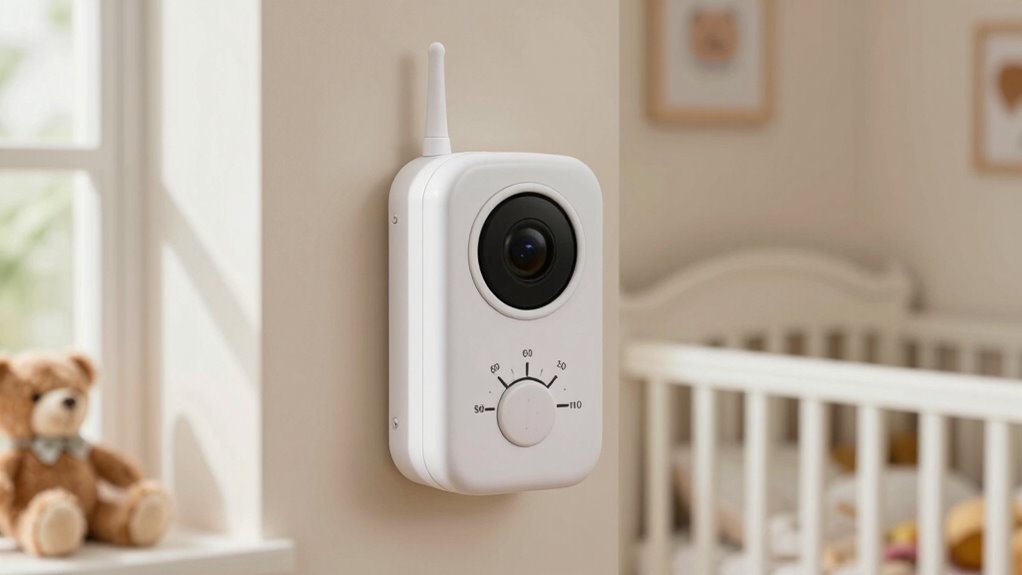
Non-Wi-Fi monitors are often considered safer regarding privacy and security because they don’t connect to the internet, eliminating many common hacking risks. Since they operate locally, your child’s video and audio feed isn’t exposed to online threats. To enhance digital privacy, choose models with built-in data encryption, which secures the connection between the monitor and receiver, preventing unauthorized access. Regularly update your monitor’s firmware to patch security vulnerabilities, and keep the physical device in a secure location to prevent tampering. Avoid sharing personal details or passwords that could compromise your monitor’s security. By taking these precautions, you reduce the risk of breaches, making non-Wi-Fi monitors a safer option for your family’s privacy.
Troubleshooting Common Issues With Non-Wi-Fi Baby Monitors
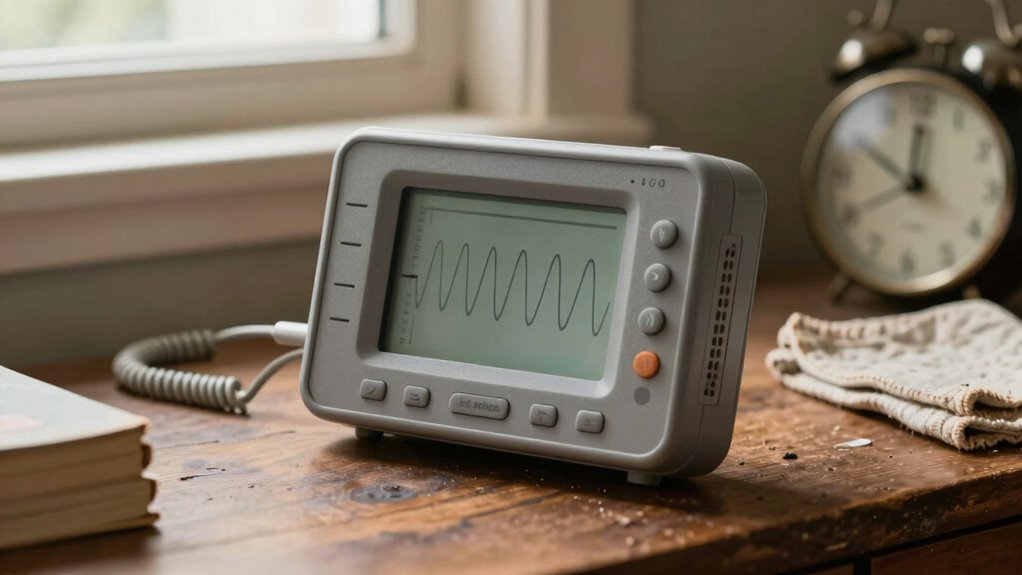
If your non-Wi-Fi monitor isn’t working properly, start by checking for signal interference from other electronic devices nearby. Make sure the monitor and camera are plugged in securely and powered on, and verify the connection is stable. These simple steps can often resolve common issues and restore clear communication. Additionally, consulting cabling solutions can help ensure all connections are properly managed to prevent signal disruptions. It’s also helpful to ensure the device is placed in an optimal location, away from potential sources of electromagnetic interference, to maintain a strong signal. Incorporating signal optimization techniques can further enhance the monitor’s performance and reliability. Being aware of electromagnetic interference sources in your environment can help you better position your monitor for optimal operation. Regularly updating your device’s firmware can also improve its performance stability and reduce connectivity issues.
Signal Interference Solutions
Signal interference can disrupt the reliable operation of your non-Wi-Fi baby monitor, making it difficult to hear your baby clearly. To reduce this, check that your monitor uses a dedicated wireless frequency, such as 1.8 GHz or 900 MHz, which are less crowded and less prone to interference. If you experience static or unclear audio, consider signal blocking by relocating your monitor away from other electronic devices like cordless phones, microwaves, or Bluetooth gadgets. Keep your monitor and receiver within a clear line of sight, avoiding thick walls or metal objects that can hinder signal transmission. Regularly scan for sources of interference and minimize their presence around your monitor. These simple steps can help guarantee your monitor maintains a strong, clear signal for dependable monitoring.
Power and Connection Checks
Power and connection issues are common causes of monitoring problems, so it’s important to verify that your device is properly powered and connected. Start by checking the power source—ensure the monitor is plugged in securely or, if using batteries, confirm they are fresh. Poor battery longevity can cause intermittent signals or sudden shutdowns, so replacing batteries regularly helps maintain reliable performance. For wired models, inspect cords and outlets for damage or loose connections. If your monitor isn’t turning on or displaying a clear image, resetting the device or switching outlets can help troubleshoot. Ensuring a steady power source prevents unexpected disruptions. Additionally, understanding media literacy can help you identify and avoid potential interference or false signals. Regularly checking these basics saves you time and keeps your monitor functioning smoothly, giving you peace of mind.
Is Investing in a Non-Wi-Fi Baby Monitor Worth It? Final Considerations
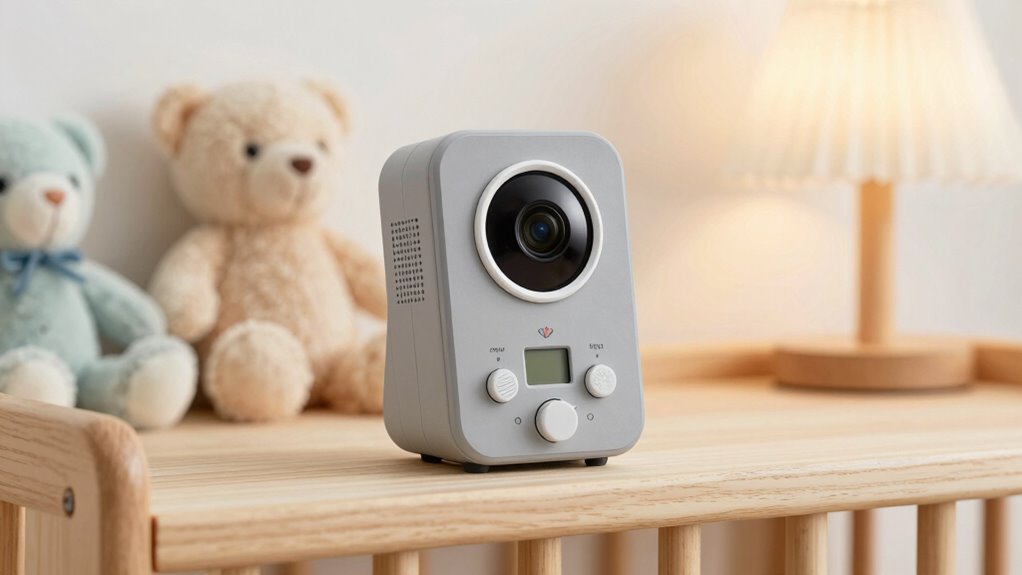
Deciding whether to invest in a non-Wi-Fi baby monitor depends on your specific needs and priorities. If you value privacy, reliability, and straightforward setup, a non-Wi-Fi monitor might be the right choice. Consider these key points:
- Wireless streaming is direct, reducing lag and interference.
- App compatibility isn’t a concern, simplifying usage.
- Non-Wi-Fi monitors are less vulnerable to hacking, enhancing security.
- They often have longer battery life and require less maintenance.
While they lack features like remote access via apps, they excel in stability and privacy. If you prefer peace of mind and simplicity over advanced features, investing in a non-Wi-Fi baby monitor is a smart move. Ultimately, it comes down to what matters most for your peace of mind and your baby’s safety.
Frequently Asked Questions
Can Non-Wi-Fi Monitors Be Used With Multiple Cameras Simultaneously?
Yes, non-Wi-Fi monitors can handle multiple cameras simultaneously, but it depends on the specific model. If you’re setting up a multiple camera setup, choose a monitor that supports multiple video inputs. This allows you to view all cameras at once for real-time monitoring. Keep in mind, some older models might require additional equipment like splitters or multiple connections to enable seamless simultaneous viewing.
What Is the Typical Battery Life of Non-Wi-Fi Baby Monitors?
A non-Wi-Fi baby monitor’s battery life is like a marathon runner—lasting between 8 to 12 hours on a full charge. It mainly depends on the monitor’s power consumption and how often you use features like audio or video. If you keep it on standby or turn off the screen when not needed, you can extend battery longevity, making it reliable for all-night monitoring without frequent recharging.
Are Non-Wi-Fi Monitors Compatible With Smartphone Integration?
Non‑Wi‑Fi monitors typically aren’t compatible with smartphone integration, but some models do include Bluetooth connectivity. With Bluetooth, you can connect your device for quick, local access, though range is limited. These monitors often feature parental controls, allowing you to customize alerts and monitor settings directly on the device without needing a smartphone app. Keep in mind, Bluetooth-based monitors are more straightforward but less versatile than Wi-Fi options.
How Do Non-Wi-Fi Monitors Perform in Different Environmental Conditions?
Imagine you’re monitoring a nursery outdoors; non-Wi-Fi monitors often excel in environmental robustness, resisting weather changes better than digital options. They typically provide consistent signal stability even in extreme conditions like high humidity or temperature fluctuations. Since they rely on wired connections or radio frequency, you won’t face interference issues common with Wi-Fi. Overall, they perform reliably across various environmental conditions, making them a smart, durable choice for many settings.
Can Non-Wi-Fi Monitors Be Used Internationally With Different Power Outlets?
Yes, you can use non-Wi-Fi monitors internationally, but you need to check power adapter compatibility and voltage conversions. Make sure the monitor’s power adapter supports the voltage range of the country you’re visiting. If not, you’ll need a suitable voltage converter or plug adapter. This way, your monitor stays functional without damage, ensuring you can monitor effectively no matter where you are.
Conclusion
Choosing a non-Wi-Fi baby monitor is like planting a sturdy tree in your yard—steady, reliable, and safe from digital storms. It keeps your little one’s world quiet and secure, shielding precious moments from prying eyes. By embracing this old-school guardian, you’re nurturing a peaceful sanctuary where trust grows strong and worries drift away like leaves on the breeze. Sometimes, going back to basics is the smartest way to watch over what matters most.
Fall Picks
fall essentials
As an affiliate, we earn on qualifying purchases.